
Upload
Upload your documents
Pick the service, fill your contact info, and attach as many files as you need.
What happens next
After you upload
1. We confirm receipt
You'll get an email with a reference number within minutes so you know your files arrived.
2. We review
A team member opens your file the next business day and lets you know if anything is missing or unclear.
3. We get to work
Once everything looks good, your service starts. We follow up with a quote, an appointment, or the finished deliverable depending on what you booked.
What we accept
File types and sizes
- ✓PDF, JPG, PNG, HEIC, WebP for photos and scans
- ✓DOC and DOCX for Word documents
- ✓Up to 10 MB per file. Need to send something bigger? Email us and we'll share a link.
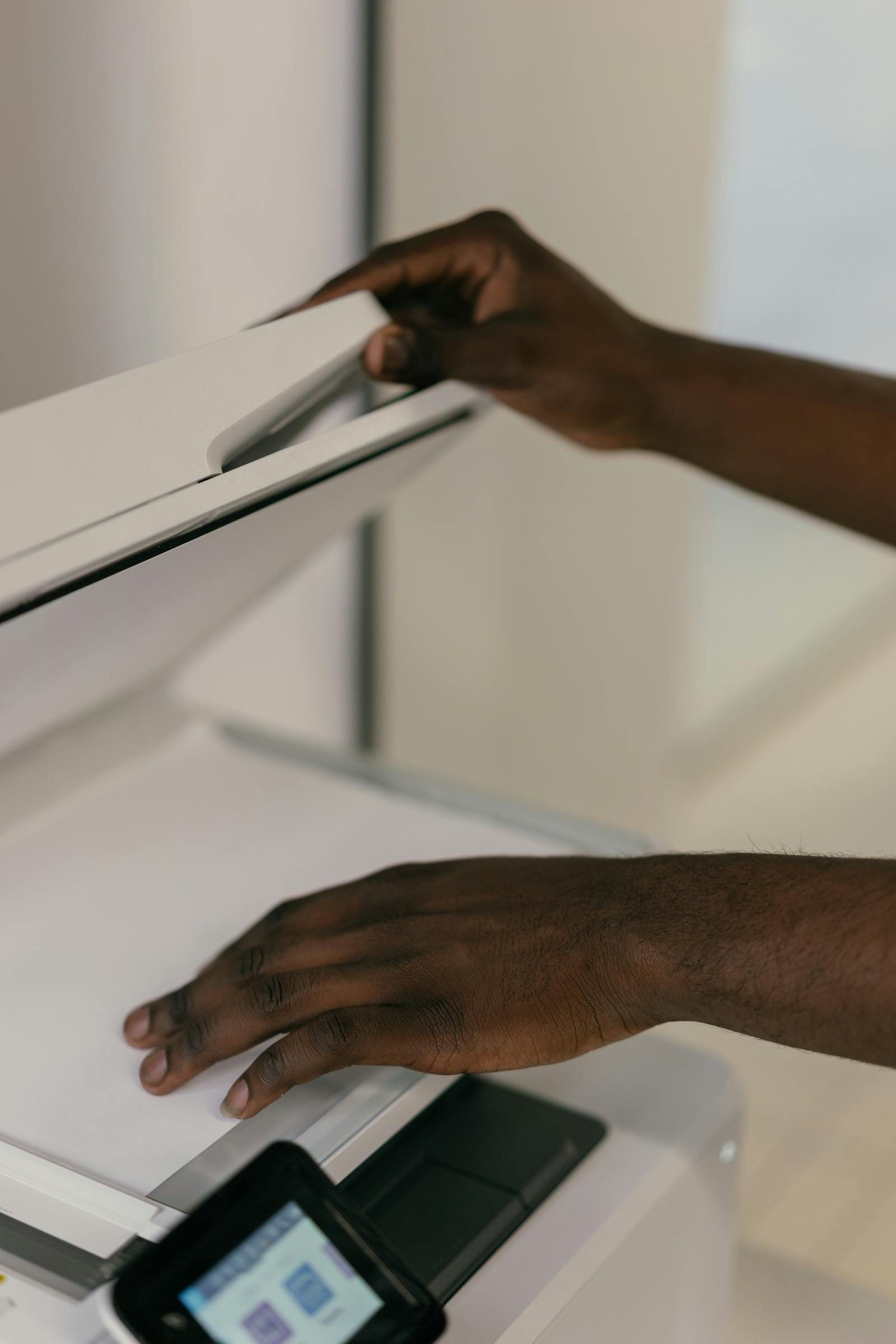
- ✓Phone photos are fine. Lay the document flat, full page in frame, good lighting.
Tips for clean scans
Make your file readable
- ✓Capture the whole page: all four corners visible, no fingers in frame.
- ✓Multi-page documents: one PDF if you can, otherwise upload pages in order.
- ✓Numbers and signatures should be sharp. If they look blurry on your screen, they will look blurry to us.
- ✓Don't have a scanner? Apps like Adobe Scan, Apple Notes, and Google Drive can scan straight from your phone for free.
Your privacy
Your documents stay private
Files are encrypted in transit and at rest. Only the team members working on your case can open them. We never share, sell, or analyze your documents for any purpose other than the service you requested.
Read our privacy policyPrefer to drop them off in person?
Stop by our Newark, NJ office during business hours and a staff member will scan everything for you at the counter. No appointment needed for document drop-off.